

Assistive Technology at Home: From Simple Gadgets to Smart Homes
By Mobile Occupational Therapist • 25 July 2026 • 5 min read
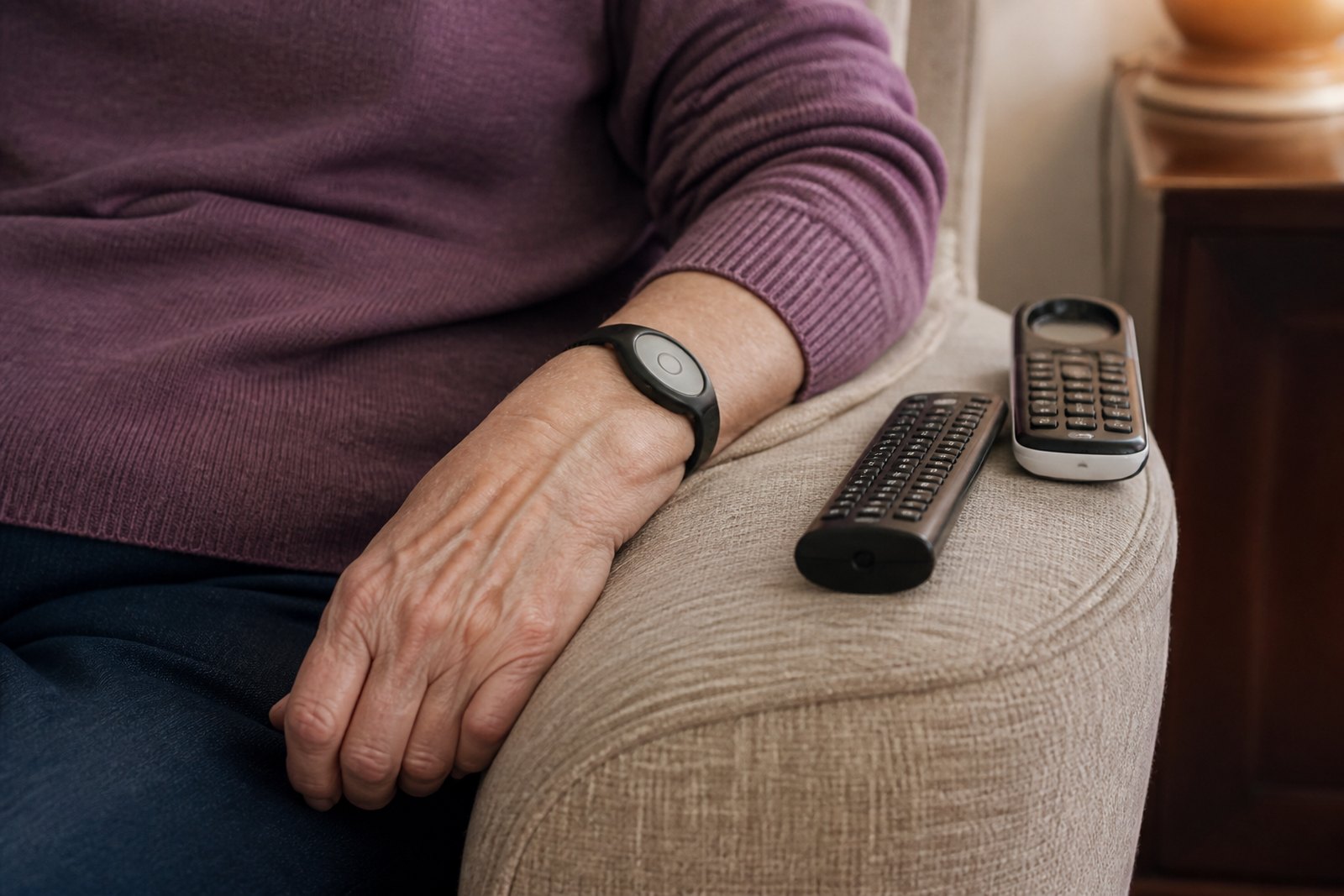
"Assistive technology" can sound like a big, technical phrase, but much of it is genuinely simple: a pendant alarm, a talking clock, a smart plug that turns a lamp on with a voice command. This guide covers the range, from the straightforward to the more involved, and how occupational therapy fits in when deciding what's actually worth having.
What counts as assistive technology
In practice, assistive technology covers any device or piece of equipment that helps someone carry out a daily task, stay safe, or maintain independence, where a change in ability makes the ordinary version of that task harder. It ranges from very simple, low-cost items to genuinely sophisticated smart home systems - and the right level for you depends entirely on your situation, not on how advanced the technology is.
Simple, low-cost technology
- Pill organisers and reminder alarms, helping with medication routines where memory or timing is a concern.
- Talking clocks and large-display clocks, useful for visual impairment or general clarity.
- Key finders and labelled remote controls, reducing frustration with everyday items that are easy to misplace or confuse.
- Automatic night lights, triggered by movement, reducing the risk of a missed step during a night-time trip to the bathroom.
Personal alarms and safety monitoring
Pendant alarms and personal alarm systems - worn as a necklace, wristband, or fitted to a base unit - allow someone to call for help quickly if they fall or feel unwell, without needing to reach a phone. Some systems include automatic fall detection, though this technology isn't infallible and shouldn't be relied on as a complete substitute for other safety measures. These are commonly recommended alongside broader independence support, particularly for anyone living alone.
Smart home devices
Voice-activated assistants and smart plugs let someone control lights, heating, or other devices without needing to physically reach a switch - genuinely useful where mobility, reach or grip has become limited. Smart doorbells with two-way audio can let someone answer the door without walking to it, useful for both convenience and safety. Video-enabled devices can also help family members check in remotely, with appropriate consent and privacy considerations discussed openly beforehand.
Technology for memory and routine support
For people managing memory changes, including early dementia, simple technology can support daily routines without being intrusive: automated reminders for meals or medication, day-and-date clocks reducing disorientation, or simple recorded messages triggered by a sensor near a door. The goal is always support, not surveillance - and involving the person themselves in decisions about any technology, wherever possible, matters considerably.
Technology supporting communication and sensory needs
Amplified phones, hearing-loop compatible devices, and larger, high-contrast displays can make a genuine difference for anyone managing sensory changes - see our guide to sensory impairment for more on this area. Communication aids, ranging from simple picture boards to more sophisticated devices, can also support people with speech or language difficulties following conditions such as stroke.
Technology for mobility and movement
Beyond the home itself, technology can support movement and confidence when out and about too - from apps that plan step-free routes, to GPS-enabled trackers offering reassurance to family members without needing constant check-in calls. Automatic door openers and video entry systems can also reduce the physical demand of simply answering the door, useful for anyone using a wheelchair or walking frame, or managing fatigue.
How to choose wisely, rather than buying everything on the market
It's genuinely easy to spend money on assistive technology that ends up unused, either because it didn't suit the actual problem or because it felt fiddly or intrusive in daily life. An occupational therapist can help by:
- Identifying exactly which daily tasks technology could realistically help with, rather than technology for its own sake
- Matching device complexity to what someone will actually be comfortable and confident using
- Considering the views and comfort of the person using it, not just family members' concerns
- Avoiding devices that create new dependency on someone else to set up or maintain them, where a simpler option would do
Who assistive technology tends to help most
- People living alone who want reassurance without giving up independence
- Families supporting someone with early memory changes
- People with reduced mobility, reach or grip who benefit from voice or remote control of everyday devices
- Anyone managing a sensory change affecting hearing, vision or communication
Frequently asked questions
Is assistive technology only for older people?
No - assistive technology is useful across a wide age range, including children with developmental needs and working-age adults recovering from illness or injury or managing a long-term condition. The right technology depends on the specific task and person, not their age.
Will a smart home device feel intrusive?
It can, if chosen without proper thought - which is exactly why involving the person who will actually use it, and being honest about privacy concerns, matters. A good assessment focuses on genuinely useful, welcome support rather than surveillance.
Can an occupational therapist recommend specific brands or products?
An OT can advise on the type of technology likely to help and what to look for, based on your specific situation. Recommendations focus on function and fit for your daily life, not promoting particular commercial products.
Next steps
If you're considering assistive technology and aren't sure where to start, an equipment assessment can help identify what would genuinely help. Find your local occupational therapist via our areas we cover page, or see our prices page for current guide pricing.
Talk to an occupational therapist near you
This guide is general information. For advice about your own situation - or someone you look after - a local occupational therapist can visit you at home and see it for themselves.
Choose your area: